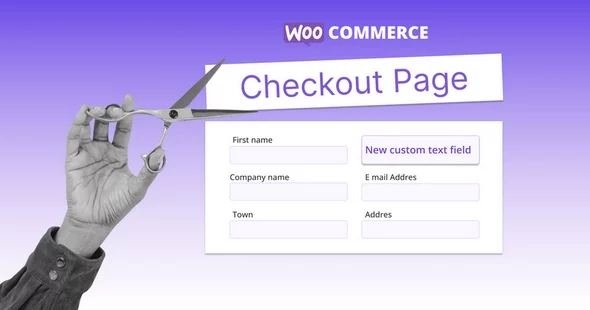
Make easy customisations to your checkout form with Checkout Field Editor Pro for WooCommerce plugin. Add, edit, modify, delete, or change the display order of checkout fields with this easy WooCommerce checkout manager. Besides adding custom fields, create and include custom sections to your WooCommerce checkout form. Functioning hand-in-hand with the WooCommerce Multistep Checkout plugin from ThemeHigh, create custom checkout steps and include custom fields and sections to these steps using the Checkout Field Editor.
Key Features
- 17 Custom Checkout Field Types
- Custom section which can be placed at 15 different positions on the checkout page
- Display fields conditionally
- Display sections conditionally
- Price fields with a set of price types
- Custom validations
- Change address display format
- Display fields based on Shipping option or Payment method
- Compatibility with other plugins
- Zapier support
- WPML Compatibility
- Reset all settings on a single click
- Manage field display in emails and order details pages
- Display custom fields optionally at My Account page
- Customise, Disable or delete default WooCommerce fields
- Developer friendly with custom hooks
- Rearrange all fields and sections as per convenience
- Create your own custom classes for styling the field
 bosa2020" class="w-full h-full object-cover">
Keyword cloud
Previous Post
EventoZilla - Event Calendar WordPress Plugin
Next Post
Sticky HTML5 Music Player WordPress Plugin
You might like
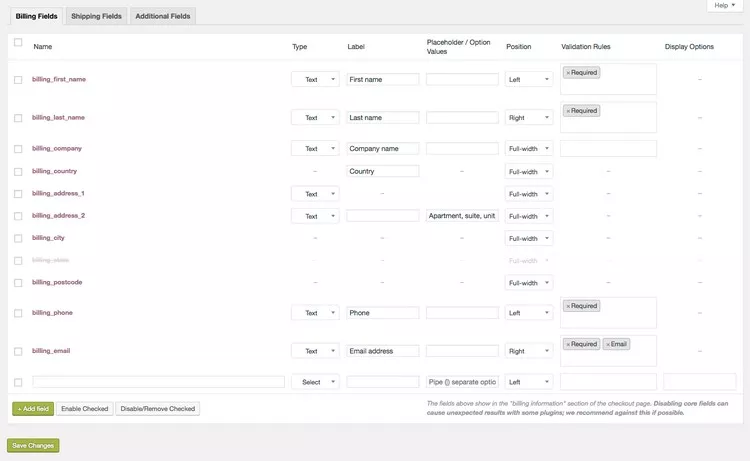
WooCommerce Checkout Field Editor
08/10/2023
Plugins

Checkout Field Editor and Manager for WooCommerce Pro
04/09/2023
Plugins

Flexible Checkout Fields Pro
11/08/2026
Plugins

SysBasics Easy Checkout Field Editor, Fees & Discounts
20/06/2024
Plugins
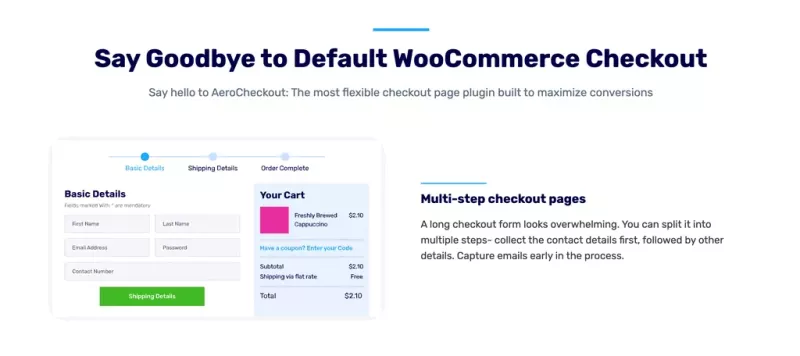
AeroCheckout - Custom Checkout Pages in WooCommerce
28/01/2024
Plugins

YITH WooCommerce Checkout Manager
03/08/2023
Plugins