WP Content Copy Protection & No Right Click Pro v17.4
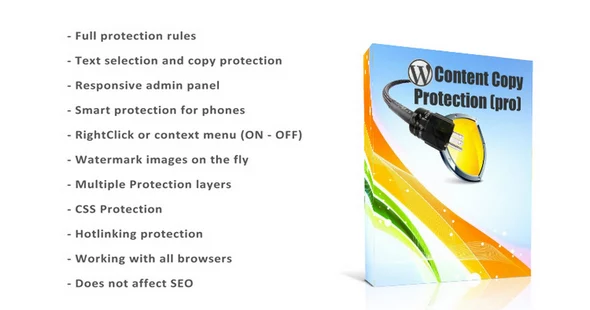
This WP plugin protects the content of the post from being copied by any other web site author. You don’t want your content to spread without your permission!
Protect your Text and Images by Disabling the Mouse Right Click and possible shortcut keys from Cut (CTRL+x), Copy (CTRL+c), Paste (CTRL+v), Select All(CTRL+a), View Source (CTRL+u), etc.
Intelligent protection tactics:
The plugin will keep your posts and home page protected with multiple techniques (jаvascript + CSS), These techniques are not found in any other WordPress plugin and you will own it for free with this plugin.
Protect the page from view source code and being shown by anyone.
Some webmasters want to protect their images only and others want to protect their links only.
You may want to protect everything on the page except the links or images.
With the premium options provided, you can have as much of the best and custom protection on your blog as you like.
Right-click protection will do this job for you.
You can control the messages that appear to the visitors when some of them try to view the source of your pages or save your copyrighted images.
 bosa2020" class="w-full h-full object-cover">
Keyword cloud
You might like
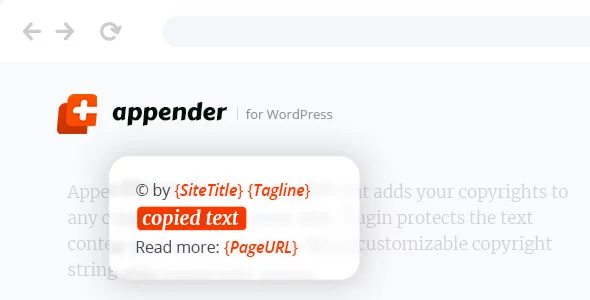
Appender - Copycat Content Protection for WordPress

Dynamic Content for Elementor

Premium Addons Pro

Barn2 Media Password Protected Categories
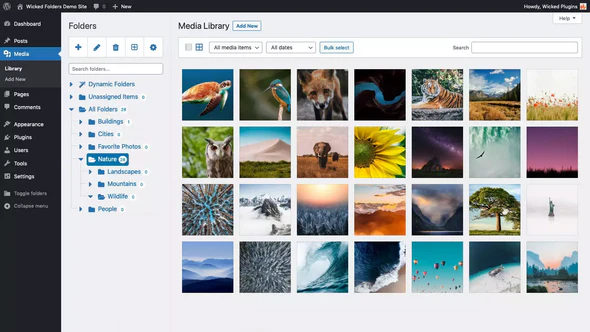
Wicked Folders Pro - WordPress Media Library Folders Plugin