Asset CleanUp Pro - Performance WordPress Plugin v1.2.7.5
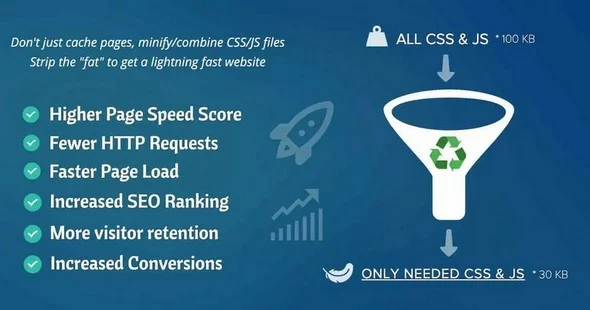
There are a plethora of techniques that are often used to defer parsing; however, the simple and preferred technique is to simply Defer loading of jаvascript until it is needed. If this technique isn’t appropriate to use on your page, it is next suggested that you use the <script async> attribute where appropriate, which prevents parsing from blocking the initial page load by deferring it until the browser’s UI thread is not busy doing something else. All these settings can be applied with Asset CleanUp Pro without writing any code.
This allows you to optimize the website (unload useless files, set async, defer to loaded jаvascript files, clean up HTML code) without applying the changes "live" (to the regular visitor) in case you ever have any doubts that a change could break the functionality of the page/website. Any changes you’ve done will only be applied for you (the logged in administrator). Once you’re happy with how the page looks and works, you can disable "Test Mode" to push the changes live so everyone else can enjoy the faster page loads.
 bosa2020" class="w-full h-full object-cover">