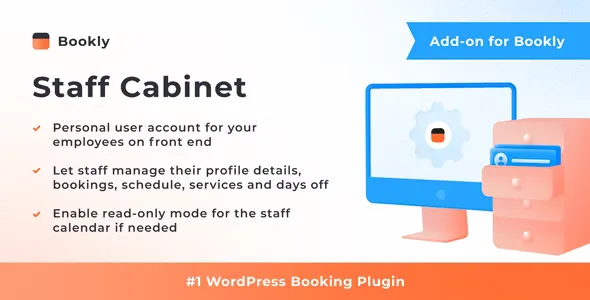
There is no more need for staff members to go to WordPress admin panel to manage their calendars, details, etc. With this add-on your team members are able to view and update their calendars, personal info and services right after authentication on the frontend.
When a staff member is logged in, they will be able to:
- View a calendar and choose a preferred mode: Month, Week or Day
- Add new appointment, approve, edit or cancel scheduled appointments
- View and update personal details
- Choose services and edit prices
- Update capacity (if Group Booking add-on is active) and deposit values (if Deposit Payments add-on is active)
- Choose, set and edit special hours (if Special Hours add-on is active)
- Manage staff schedule, days off, special days (if Special Days add-on is active)
- Export calendar information into a CSV file
 codecanyon" class="w-full h-full object-cover">
Keyword cloud
Previous Post
CartFlows Pro - Sales Funnel Builder for WordPress & WooCommerce
Next Post
Bookly Service Extras (Add-on)
You might like

Bookly Special Days (Add-on)
05/12/2025
Plugins
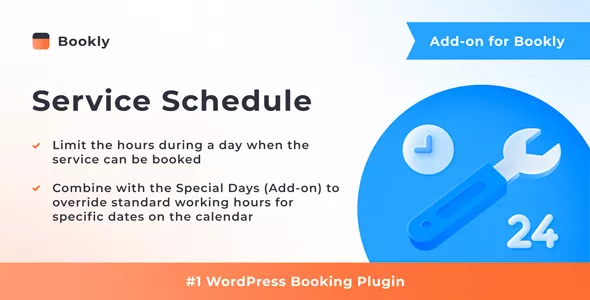
Bookly Service Schedule (Add-on)
13/11/2025
Plugins
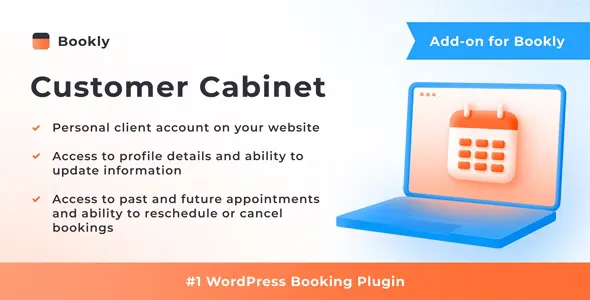
Bookly Customer Cabinet (Add-on)
13/07/2026
Plugins
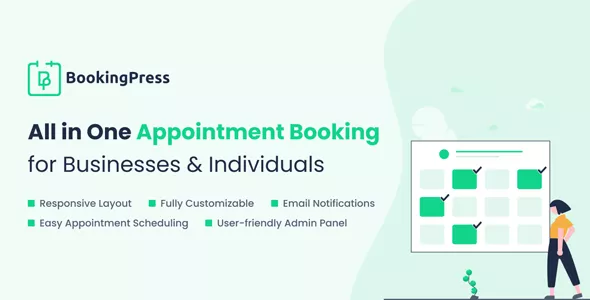
BookingPress Pro
11/08/2026
Plugins

Bookly Locations (Add-on)
13/07/2026
Plugins

Amelia - Enterprise-Level Appointment Booking WordPress Plugin
21/07/2026
Plugins