Bricksforge - The Bricks Tools That Feel Native v3.1.8.7
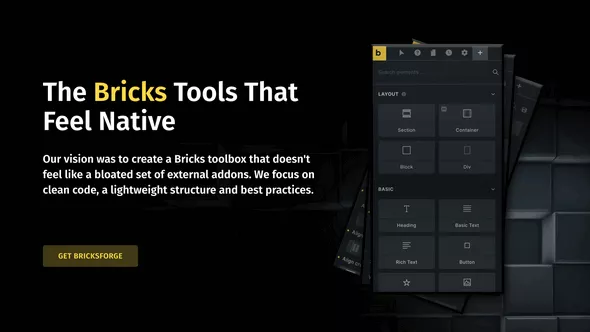
Our vision was to create a Bricks toolbox that doesn't feel like a bloated set of external addons. We focus on clean code, a lightweight structure and best practices.
Builder Customizer
Specify different settings for individual user roles and determine the appearance of the builder. You can even create completely new roles.
Global Classes Creator
Convert CSS code to Global Classes with one click! So you can easily include your favorite CSS framework and use it in the builder. All classes are not dependent on elements and can be used everywhere!
Animations
Extend the Builder with the power of GSAP, the leading library when it comes to high-performance animations.
Bricksforge Panel
Use Bricksforge in the Builder! The panel allows you to perform complex processes without programming.
Popups
Create stunning popups using on your Bricks templates. Assign conditions to them and make other useful settings.
Elements
Our elements are mostly nestable and offer you a lot of flexibility in design.
White Label
If you use Bricksforge for client projects, you can customize the admin UI to match the client’s naming, logo and colors.
 bosa2020" class="w-full h-full object-cover">
Keyword cloud
You might like
Swiss Knife Bricks
Max Addons Pro for Bricks Builder
Dynamic Toolbox for Bricks
BricksExtras - Premium Bricks Builder Addon
Next Bricks (formerly Brickscore)