wpDataTables - Tables and Charts Manager for WordPress v7.5.2.1

wpDataTables is a powerful responsive Tables, Spreadsheets and Charts Data Manager in a form of a WordPress Plugin.
wpDataTables is a best-selling WordPress plugin which makes your work with tables, charts and data management easy. 21,000+ companies and individuals already trust this WordPress tables plugin to work with financial, scientific, statistical, commercial and other data.
With wpDataTables you can create responsive WordPress tables and charts.
Resize the browser window to see how a responsive WordPress table works. Play around with the WordPress table to see how the charts and the sum row adjust. Cells in the Price column are highlighted depending on the revenue.
Create Tables and Charts in WordPress in three basic steps
- Provide table data. Upload your file, paste a MySQL query, provide a URL, or just input the data manually.
- Configure if you want. Fine-tune your table - if you want it to be responsive, editable, have conditional formatting, etc.
- Publish in a post or page. Once you're satisfied with the table, insert it in a post or page using standard WP Editor or Visual Composer.
wpDataTables Addons (843 Kb)
 codecanyon" class="w-full h-full object-cover">
Keyword cloud
You might like
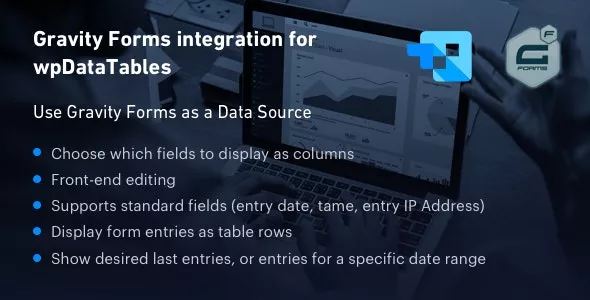
Gravity Forms Integration for wpDataTables
24/06/2026
Plugins

WP Table Manager - WordPress Table Management
15/01/2026
Plugins

Powerful Filters for wpDataTables - Cascade Filter for WordPress Tables
24/01/2026
Plugins

Easy Tables v2.2.0 - Table Manager for WPBakery Page Builder
16/10/2022
Plugins

Ninja Tables Pro - The Fastest and Most Diverse WordPress DataTables Plugin
23/07/2026
Plugins
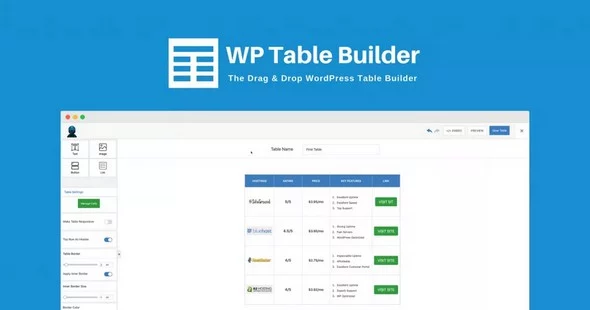
WP Table Builder Pro
19/10/2023
Plugins