RocketWeb - Configurable Android WebView App Template v1.7.0
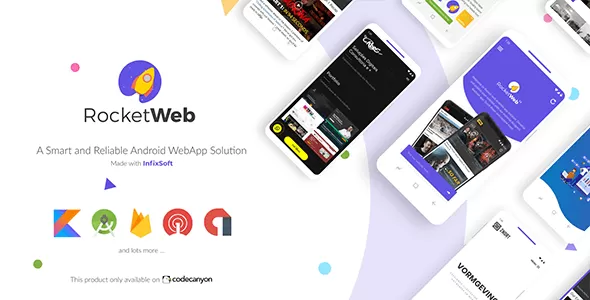
Create Android WebView mobile app from a responsive website. Configure requirement and create your site into an app, RocketWeb can do much more, explore the many useful options & features we offer below:
- Kotlin Language: This project is developed in Kotlin language with Google latest guideline and material design.
- Web Engine: RocketWeb configurable WebView is developed with the latest chromium web engine support. Chromium web engine will give you an optimal web browsing experience.
- Theme Support: To change the theme you can select from our existing theme with gradient style color or single style color. You can also set the color code to get a match with your branding.
- Android Navigation Drawer: You can remove the slide menu or you can set it by your own choice (options, and others detail).
- Android Custom Toolbar: We are providing a fully customizable toolbar. So, you can remove the toolbar to make a full-screen app. Also, you can change the toolbar style from our style presets setting.
- Full-Screen App: If your website has a toolbar to navigate your website, then turn off toolbar from the app and enjoy the native toolbar experience.
- Left & Right Menu: You can remove the left or right toolbar menu or select the option you want.
- Local Website Host: You can run your local/offline website in webview Android app. Just save your offline website in the assets folder.
- Custom Loader: We have an awesome app loader library support. So you can use the library when your website is loading.
- Splash Screen: We have already made every setting for the splash screen. Just place your transparent logo on our assets folder.
- No Internet & Error Screen: When the app doesn’t get any internet connection, you can show error message on app screen “no internet connection” or any type of error message related to the problem.
- Smart Ads Solution: Earn money from AdMob and you can also disable it whenever you want. Our designed ads will not disturb your clients too much.
- Ask Permission: Based on google guideline RocketWeb webview app will ask required permission when it’s needed.
- Media Support: RocketWeb supports video (Youtube, vimeo, HTML5 videos etc), audio(.mp3, .wav etc), all image format and animated image (.gif).
- HTML5 Game: RocketWeb app supports HTML5 games and you can play the game inside the app.
- File Upload/Download: RocketWeb will allow you to upload and download files.
- Download Manager: Download any file with our download manager.
- Push Notification: Push notification with Google cloud messaging, don’t worry we also support One Signal.
- jаvascript Support: RocketWeb supports every jаvascript Dialog.
- JS Alert, Toast, Snack-bar: Send a message from your website with jаvascript alert, toast, and snack bar.
- App Rating & Share: Your user can promote your app with share and rate the app in play store without any configuration.
- Open External App (Native Application Open): From your website, RocketWeb can open the email app, call a number, open a play store product page or a youtube video etc in the native app.
- Device Responsive: Our app design will maintain the device responsive automatically. The screen will be supported from 4” to 10” devices.
- RTL support: The app is left to right layout supported.
 codecanyon" class="w-full h-full object-cover">
Keyword cloud
Previous Post
66socialproof - Social Proof & FOMO Widgets Notifications (SaaS)
Next Post
TruelySell - On Demand Handyman Service Marketplace Laravel 11 System
You might like
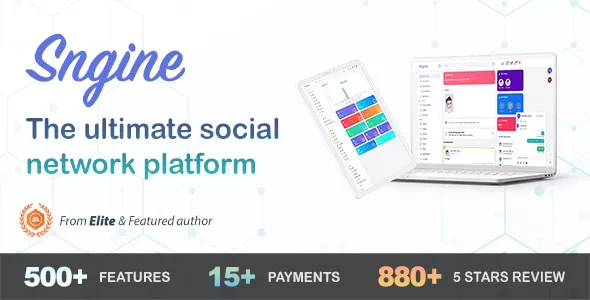
Sngine - The Ultimate PHP Social Network Platform
10/04/2026
Archives
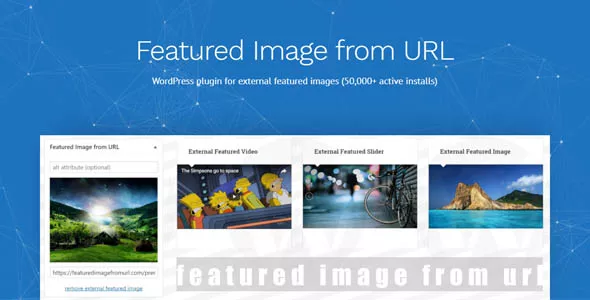
Featured Image from URL Premium
20/03/2026
Archives
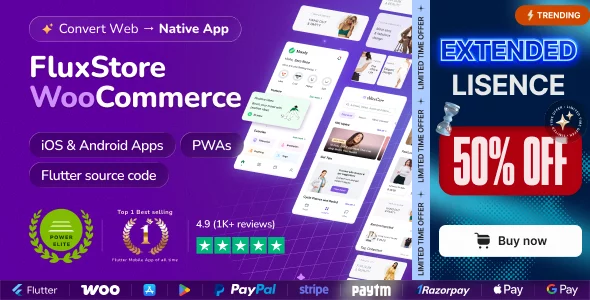
Fluxstore WooCommerce - Flutter E-commerce Full App
30/07/2026
Archives
Fluxstore Multi Vendor - Flutter E-commerce Full App
04/08/2026
Archives
Classiera - Classified Ads WordPress Theme
06/04/2026
Archives
WPForms Pro - Drag & Drop WordPress Form Builder
23/07/2026
Archives