Export Order Items Pro for WooCommerce v2.1.37
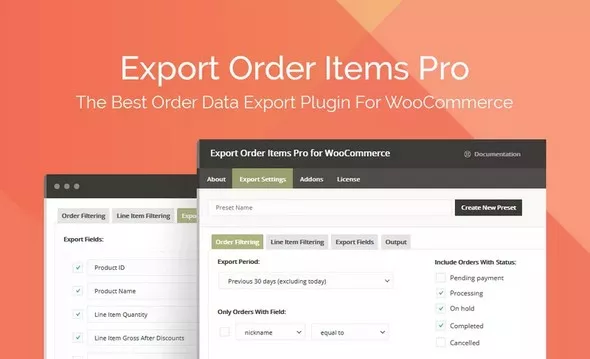
Export orders from your WooCommerce store with advanced sorting options in multiple formats upon request. Simplify order fulfillment, download order details quickly and save time generating accounting reports with Export Order Items Pro.
Features
- Simple order sorting for specific purchase information
- Date range selector with common presets or custom start and end date and time
- Presets allow you to save export settings and reuse reports
- Set the data fields you want to include in the report
- Filter by order status (pending, processing, completed, canceled, etc.)
- Use conditional logic with dynamic fields to sort reports
- Export order reports by user role
- Export all sales or sort by category, tag, product ID and included field
- Exclude or include free items, refunds, and shipping information
- Set what will appear in your reports, including custom fields, order item and option
- Change the names and order of fields in the report
- Export to CSV, CSV-ASCII, XLS, XLSX, HTML and HTML Enhanced.
- Customize the layout of your report with dynamic headers, extra rows, decimal display and conditional sort
 bosa2020" class="w-full h-full object-cover">
Keyword cloud
You might like

All-in-one WooCommerce Import Export Suite
17/03/2026
Plugins

WooCommerce Notification - Boost Your Sales
24/06/2026
Plugins
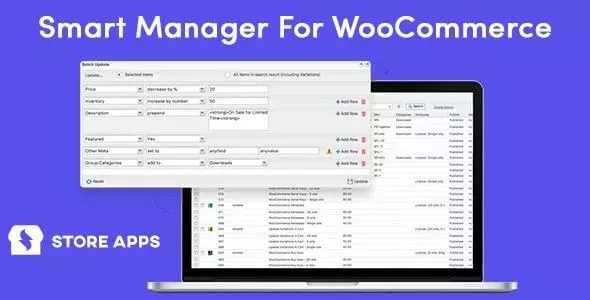
Woocommerce Smart Manager - Bulk Edit, Stock Management
11/07/2026
Plugins

Dynamic Content for Elementor
22/07/2026
Plugins

User Extra Fields
14/02/2026
Plugins

Bit Integrations Pro
11/08/2026
Plugins