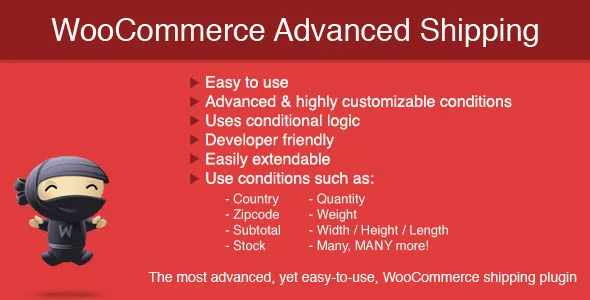
With WooCommerce Advanced Shipping you can create your own shipping rates based on conditions. This allows you to have the ultimate flexibility in what you want to charge to which people. Best of all, you don’t need to code anything to get started! Using the simple User Interface you can set the conditions based on your shipping needs.
You can create your own table rate shipping based on the conditions. To give a couple examples, you can use ‘Weight’, ‘Volume’, ‘Country’, ‘State’ conditions to set your table shipping rates.
 codecanyon" class="w-full h-full object-cover">
Keyword cloud
Previous Post
iPages Flipbook for WordPress
Next Post
Feedzy RSS Feeds Pro - WordPress RSS Feed Plugin
You might like

Table Rate Shipping for WooCommerce
09/04/2026
Plugins

Flexible Shipping Pro
25/07/2026
Plugins

Advanced Ads Pro - The WordPress Ad Management Plugin
24/04/2026
Plugins

Discount Rules and Dynamic Pricing for WooCommerce
23/03/2026
Plugins

CURCY - WooCommerce Multi Currency - Currency Switcher
24/06/2026
Plugins
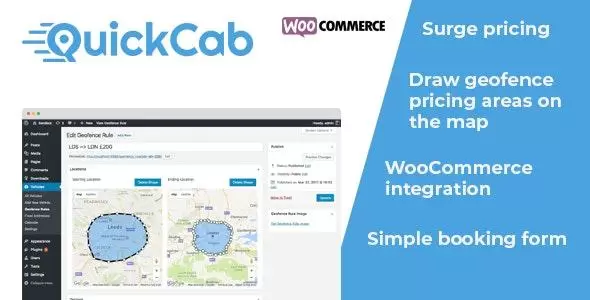
QuickCab - WooCommerce Taxi Booking Plugin
23/02/2026
Plugins