
Woocommerce Buttons Animations allows put animations to the buttons on the product page, the cart page and the checkout page, in addition to some options such as animation wait time and animation repeat time.
Imagine that a possible customer is viewing your product detail, and at this moment the add to cart button begin to shake, this movement catches the attention of the customer and induces him to click.
How does Woocommerce Buttons Animations work?
It applies an animation to these Woocommerce buttons:
- Add to cart button on the product detail
- Go to checkout button on the cart page
- Place order button on the checkout page.
 bosa2020" class="w-full h-full object-cover">
Keyword cloud
Previous Post
Webinar and Video Conference with Jitsi Meet Ultimate
Next Post
YITH WooCommerce Checkout Manager
You might like
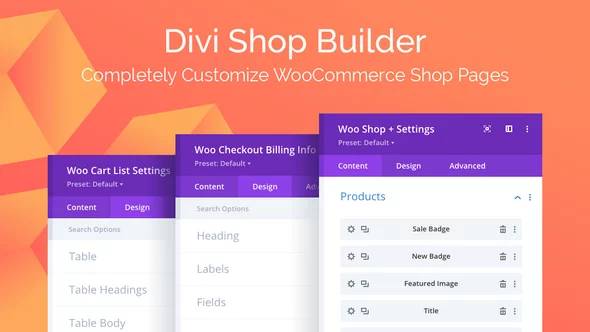
Divi Shop Builder for WooCommerce
17/03/2026
Plugins
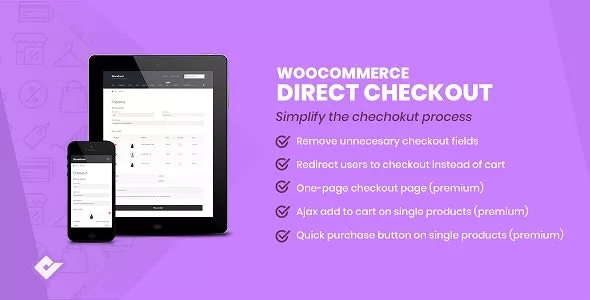
WooCommerce Direct Checkout
24/05/2026
Plugins
Checkout Countdown - Sales Countdown Timer for WooCommerce and WordPress
09/03/2026
Plugins

WooCommerce Cart All in One - One Click Checkout - Sticky | Side Cart
08/07/2026
Plugins

WhatsCart - Whatsapp Abandoned Cart Recovery, Order Notifications, Chat Box, OTP for WooCommerce
08/04/2026
Plugins
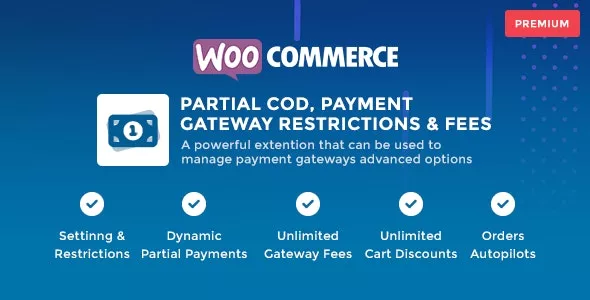
WooCommerce Partial COD - Payment Gateway Restrictions & Fees
29/04/2026
Plugins