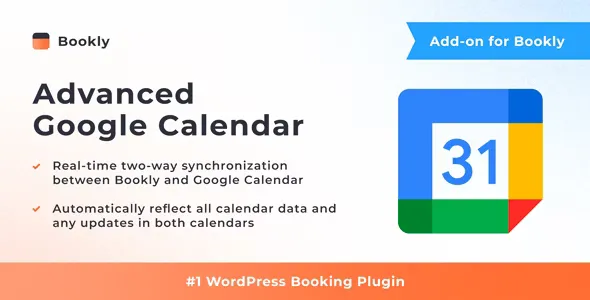
By default, Bookly PRO offers one-way and two-way front-end only synchronization modes with Google Calendar. With the Advanced Google Calendar (Add-on), you can enjoy a complete bidirectional synchronization between Bookly Calendar and Google Calendar. This ensures that all appointments can be viewed and managed seamlessly in both calendars.
Bookings made through Bookly are automatically synced to your Google Calendar, and any new events, updates, or cancellations made in your Google Calendar are instantly reflected in Bookly. This feature ensures that your schedule is always up-to-date, no matter where you manage your appointments.
 codecanyon" class="w-full h-full object-cover">